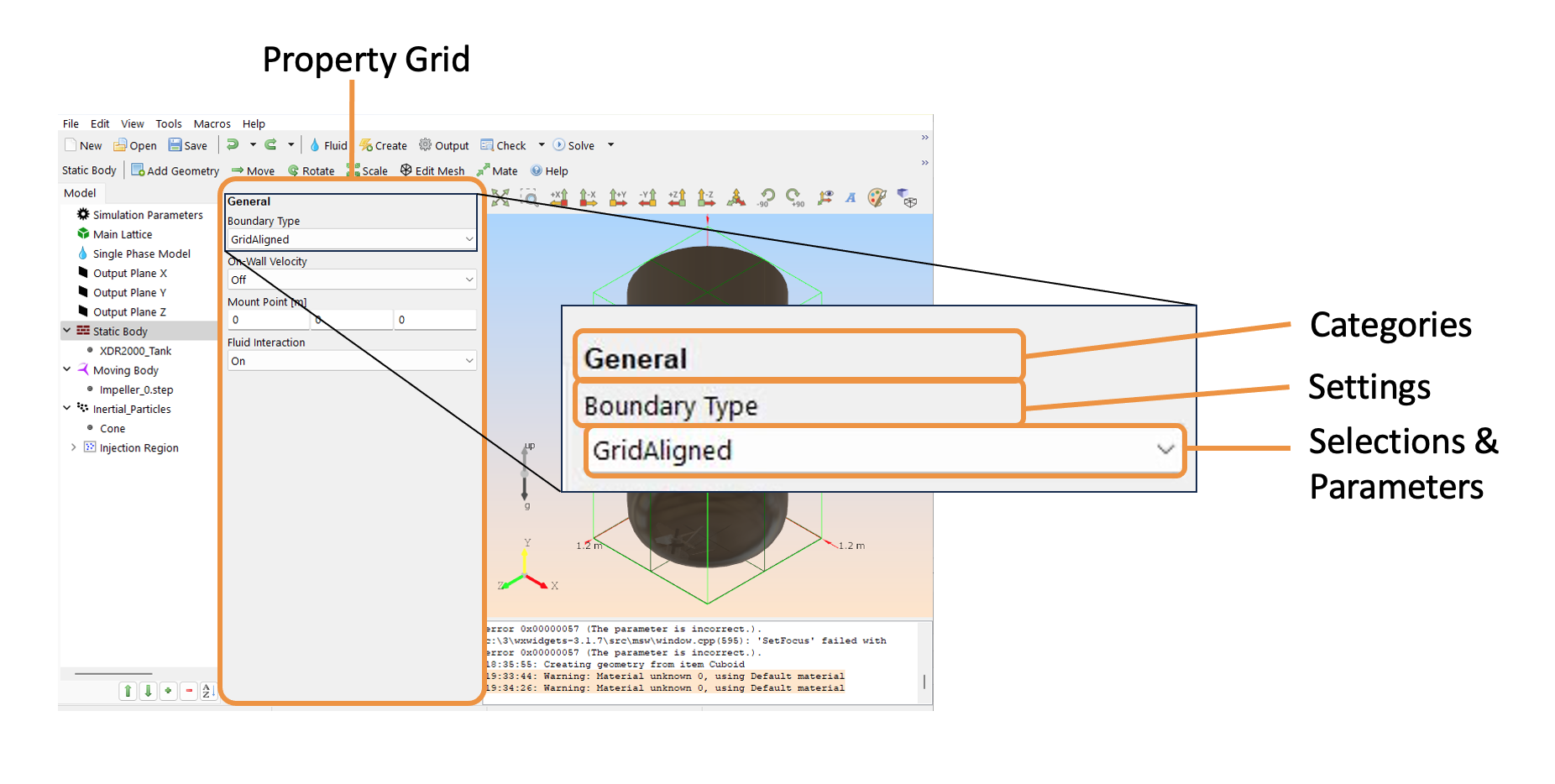
Property Grid
The component that you select in the model tree will be reflected in the property grid. The properties of the parent are specified in the parent’s property grid. Likewise, the properties of the children and their geometry are defined in the childrens’ property grid.
Categories: These are sections within the property grid. Categories can be expanded by making certain selections.
Settings: These are subsections under the categories. Many settings contain additional selections and parameters.
Selections & Parameters: These can be combo boxes, user-defined functions, or parameters. The available selections appear based on the settings you select.